Uploading IGC Flights
Submit your flight logger trace for scoring — by drag-and-drop or by email.
After each task, pilots submit their flight recorder trace as an IGC file. While the competition is running, an Upload IGC button appears in the navigation.
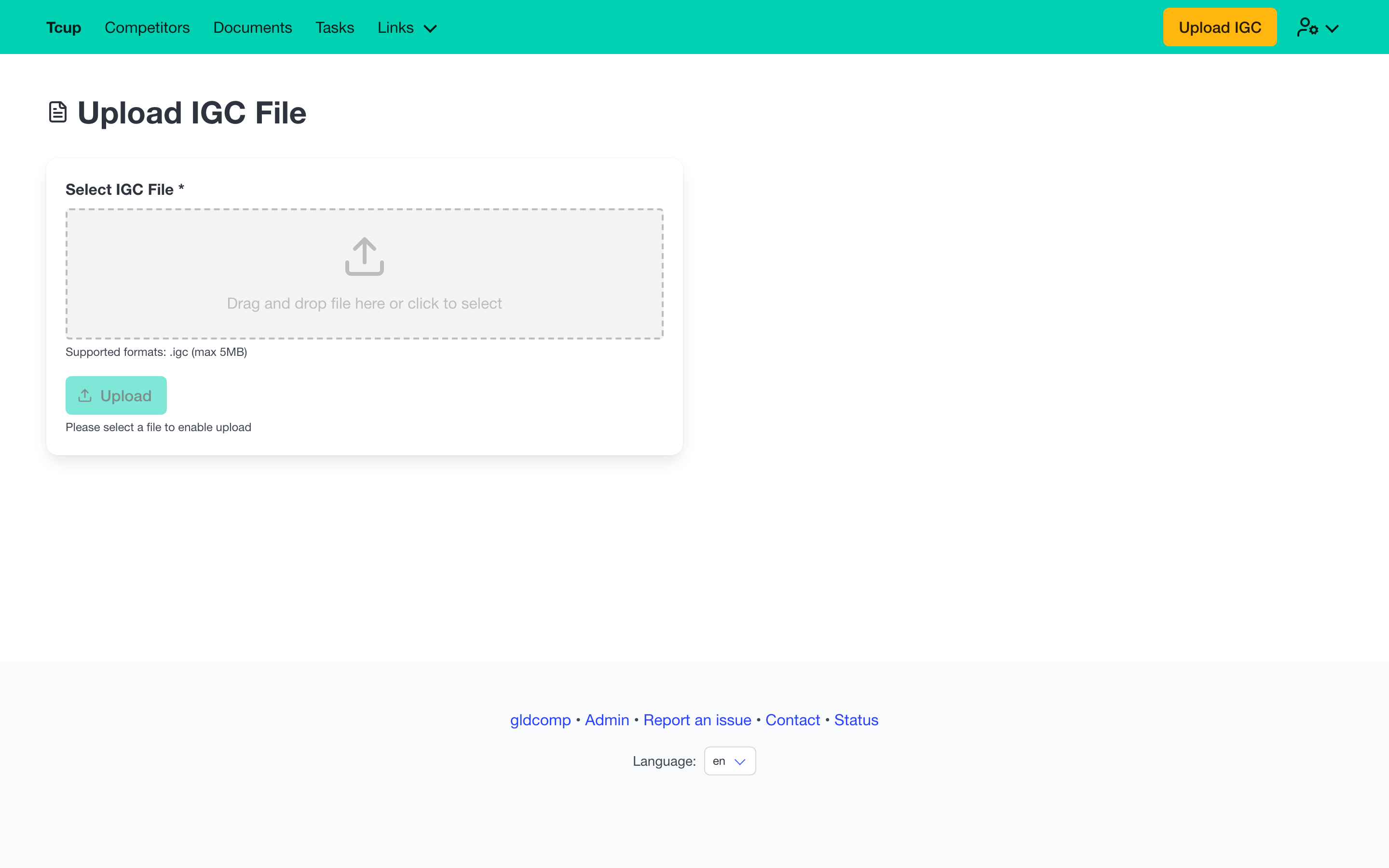
Uploading from your browser
- Drag and drop your
.igcfile onto the upload zone, or click to browse for it. - Only
.igcfiles are accepted, up to 5 MB. - Press Upload — you’ll get a confirmation once it’s received.
Uploading by email
If you’re signed in, the page also shows a dedicated email address for the competition. Simply send your IGC file as an email attachment to that address and it’s ingested automatically — handy straight from a logger or phone in the field. A copy button makes the address easy to grab.
Your uploaded files
When signed in, a My Files panel lists the IGC files matched to you (by the recorder ID on your registration), with their upload date and a download link. If nothing appears, check that your recorder ID is set on your registration — that’s how GldComp links a flight to a pilot.