Registering as a Pilot
How pilots sign up for a competition and complete their entry — from the first form to a full glider profile.
Registration is a two-step, passwordless process: a short sign-up form gets you in the door, then a confirmation link lets you fill in your full entry details. You never need a password.
Step 1 — Sign up
While registration is open, a Registration button appears in the navigation. The sign-up form asks only for the essentials:
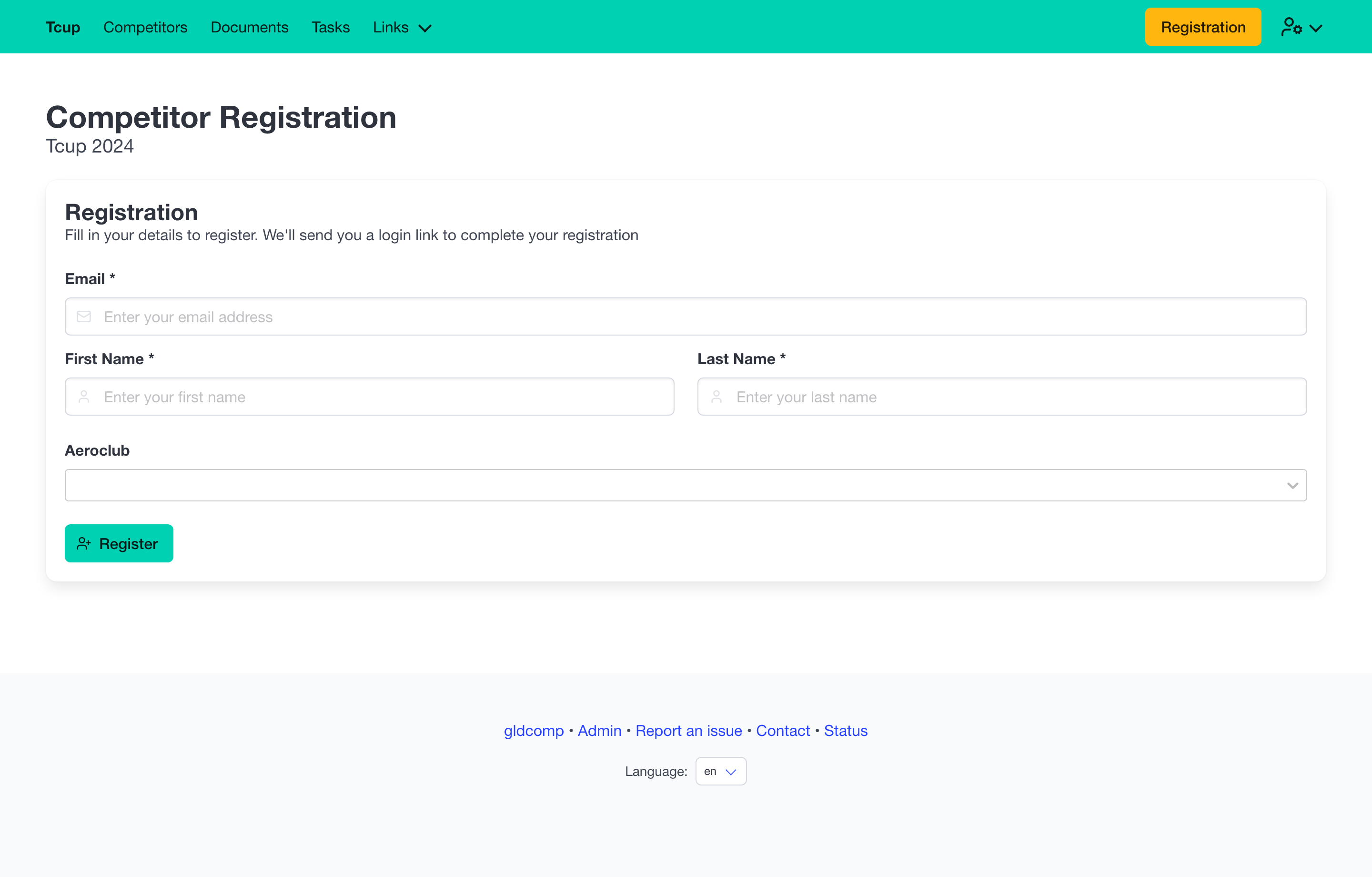
- Email (required) — where your confirmation link is sent.
- First name and Last name (required).
- Aeroclub (optional) — a searchable list of clubs.
Press Register and GldComp emails you a secure login link.
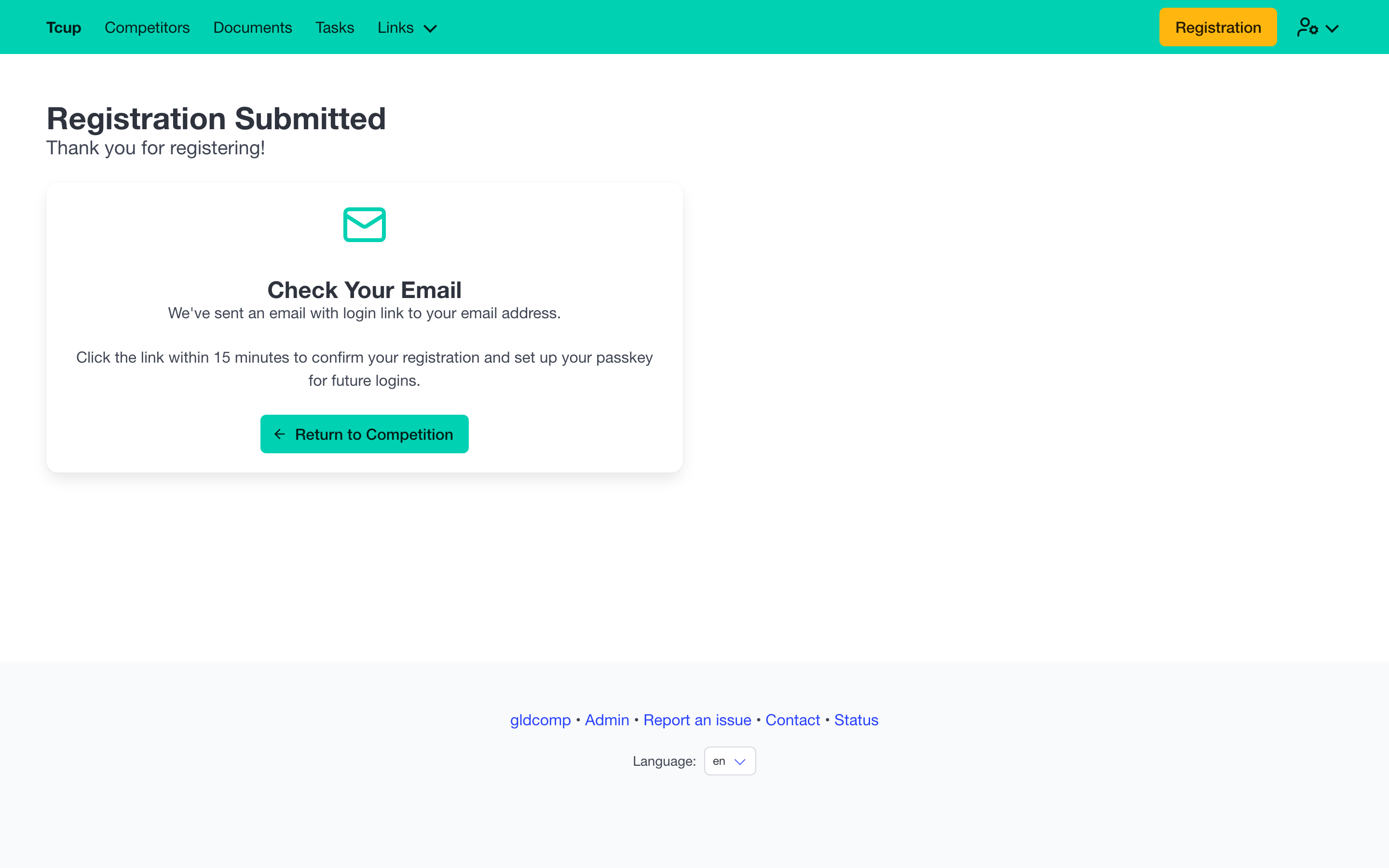
The login link is valid for 15 minutes. Opening it confirms your registration and lets you set up a passkey for instant future logins.
Step 2 — Complete your entry
After confirming, you land on your registration detail page where you can fill in everything the organizer needs. You can return and edit this any time while registration is open (and usually right up until the competition starts).
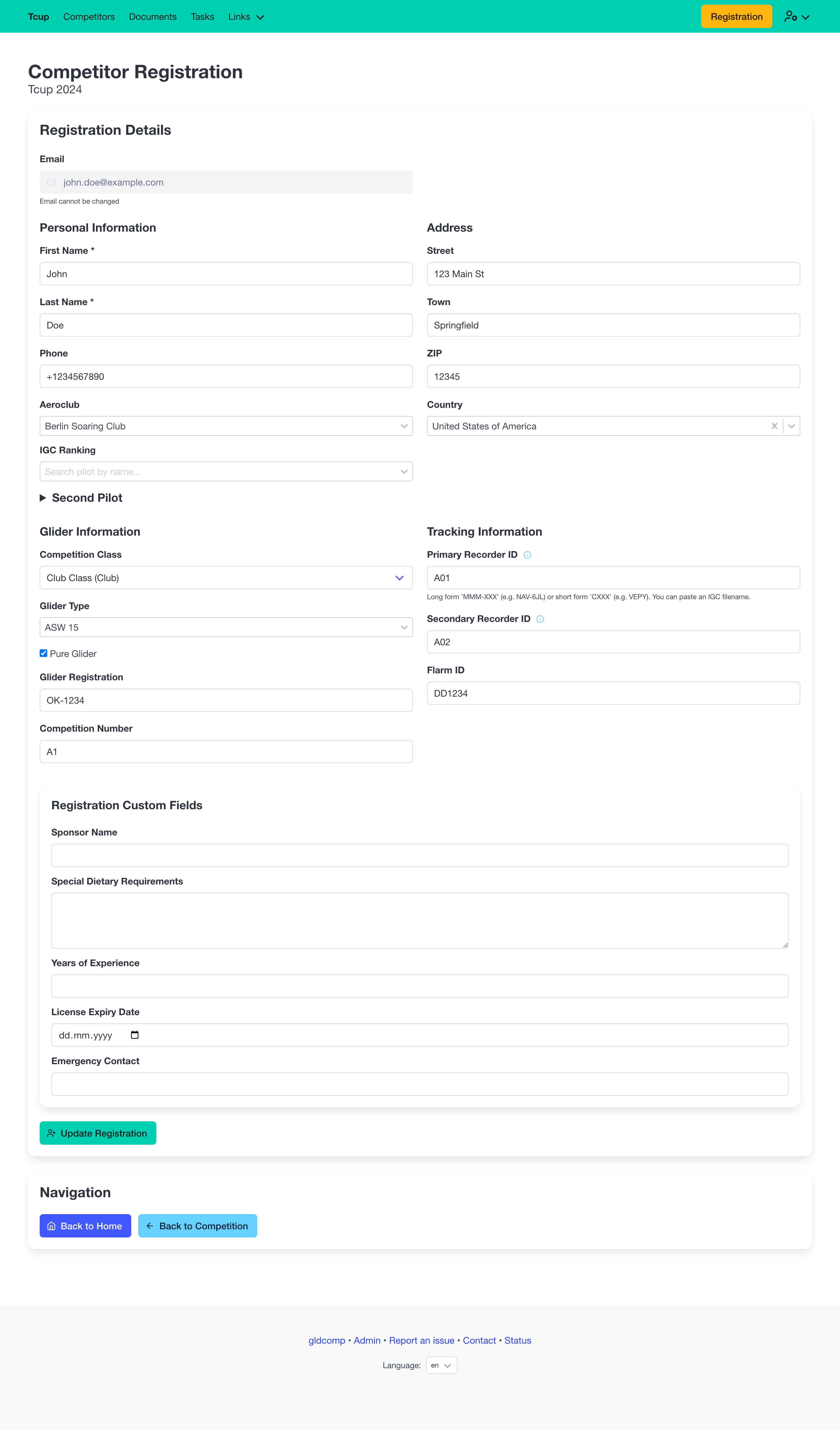
The form is grouped into clear sections:
- Personal information — name, phone, aeroclub, and an optional IGC ranking lookup by pilot name.
- Second pilot — an optional collapsible section for two-seater crews.
- Address — street, town, ZIP and country.
- Glider information — pick your competition class, then your glider type (searchable, with its handicap index), mark it as a pure glider if applicable, and enter your registration and competition number.
- Tracking information — your recorder IDs (you can even paste a full IGC filename and GldComp extracts the ID) and Flarm ID. Entering your glider registration can auto-fill the Flarm ID and competition number from the OGN/Flarm database.
- Registration custom fields — any extra questions the organizer added (for example Emergency contact or Special dietary requirements).
Save with Update Registration. Once the competition has started the page becomes read-only so the entry list stays fixed.
Signing back in
Returning later? Use the Login option and enter your email — GldComp sends a fresh magic link.
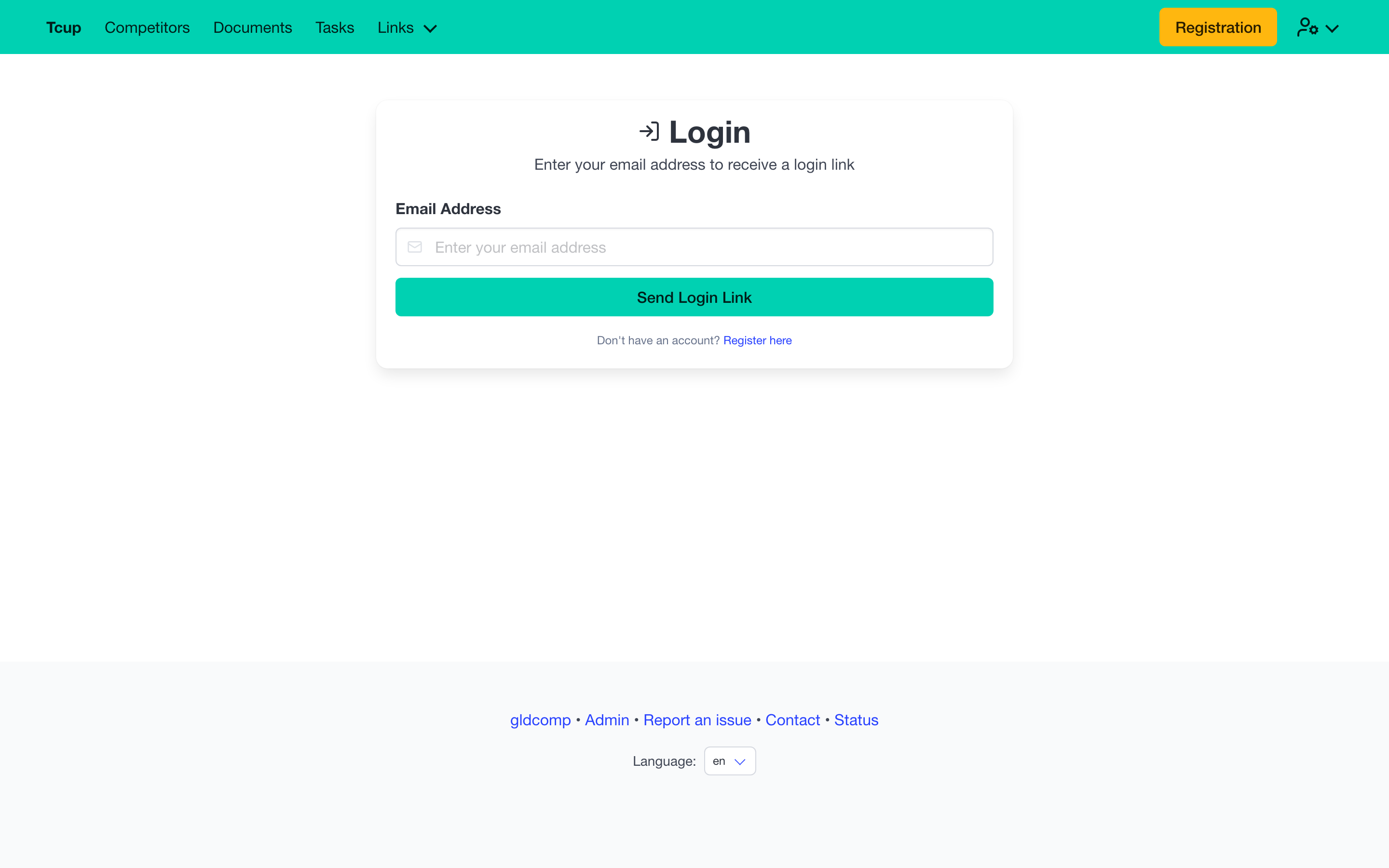
Click the link in your inbox and you’re signed straight in, no password required.